
P999 login works without a password. On the primary P999 portal in 2026 you sign in with your Pakistani mobile number and a one-time SMS code (OTP) — that single step verifies you the first time and creates your account automatically. This guide covers the normal P999 login flow, what to do when the OTP doesn’t arrive, logging in after a SIM or phone change, and why there is no “forgot password” link to fall back on.
Most P999 login trouble is a network problem, not an account problem, so the fixes below are ordered by how likely they are to work. If your OTP specifically never shows up, jump to our P999 OTP not received guide; if login still fails after every check here, see P999 login not working.
How the OTP Login Flow Works
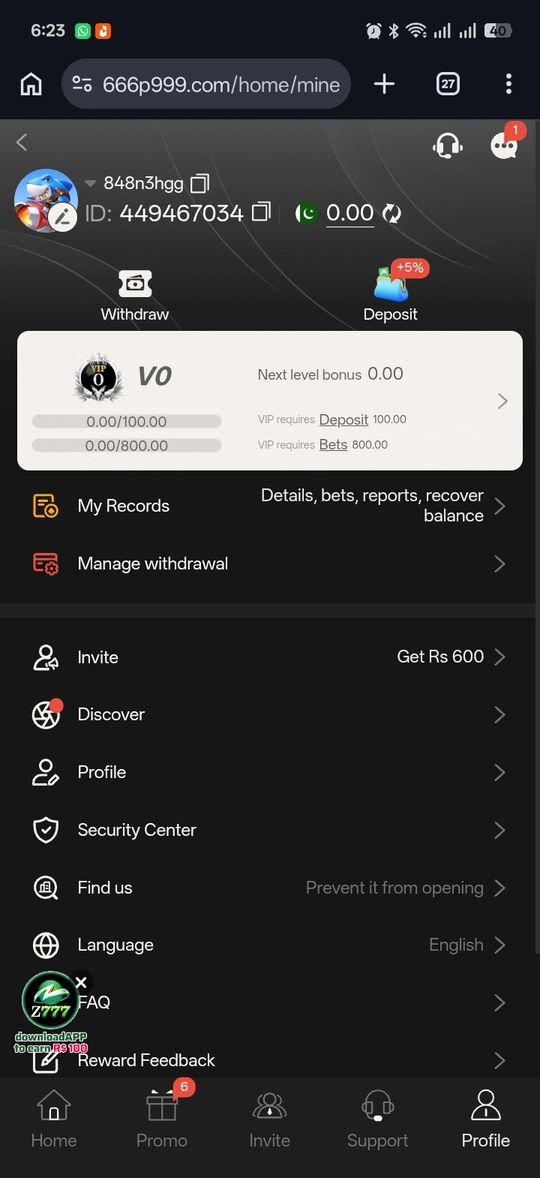
There's no account username or password to create. You enter your mobile number, the system texts a one-time code, and confirming that code verifies you and creates your account in the same step the very first time.
- Enter your active Pakistani mobile number in the format 03XXXXXXXXX
- Wait for the SMS OTP and enter it exactly as received
- First-time entry: confirming the OTP both verifies you and creates your account automatically
- Every login after that repeats the same number-plus-OTP flow — nothing to remember
P999 Login on iPhone, PC or a Browser
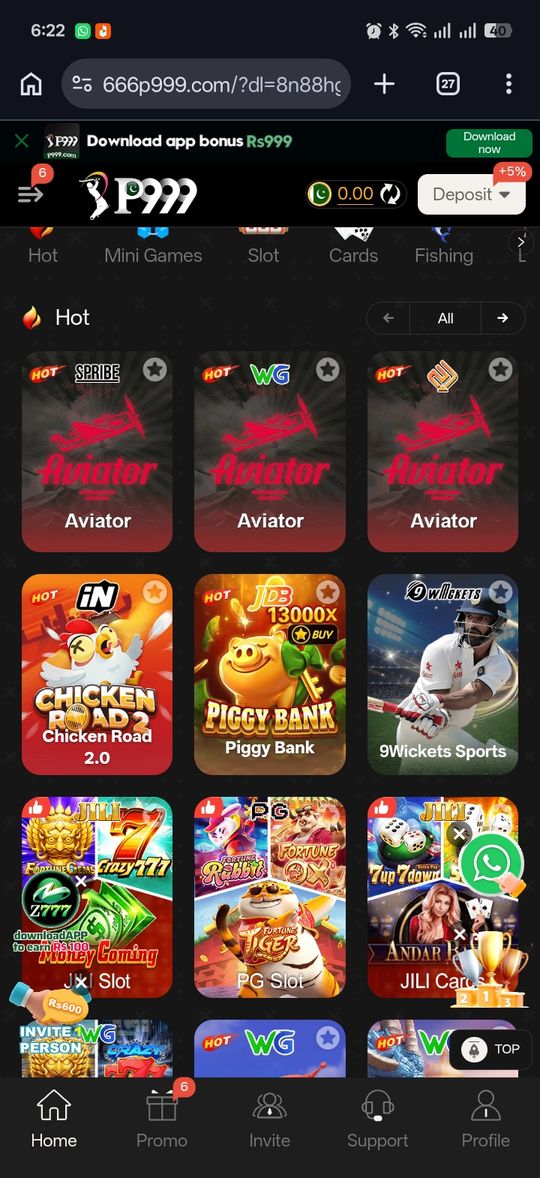
There's no App Store app and no desktop program, so on an iPhone or a computer you log in through the portal's web version in your browser. The login itself is identical: mobile number, then the SMS code.
- iPhone: open your P999 portal link in Safari or Chrome and log in with your number and OTP — nothing to install
- PC or laptop: open the same link in Chrome or Edge; expect a narrow, phone-shaped layout
- Android: the browser route works too if you'd rather not install the APK
- The browser version has no push notifications, so check for OTP and payout updates yourself
Which P999 Login Page Should You Use?
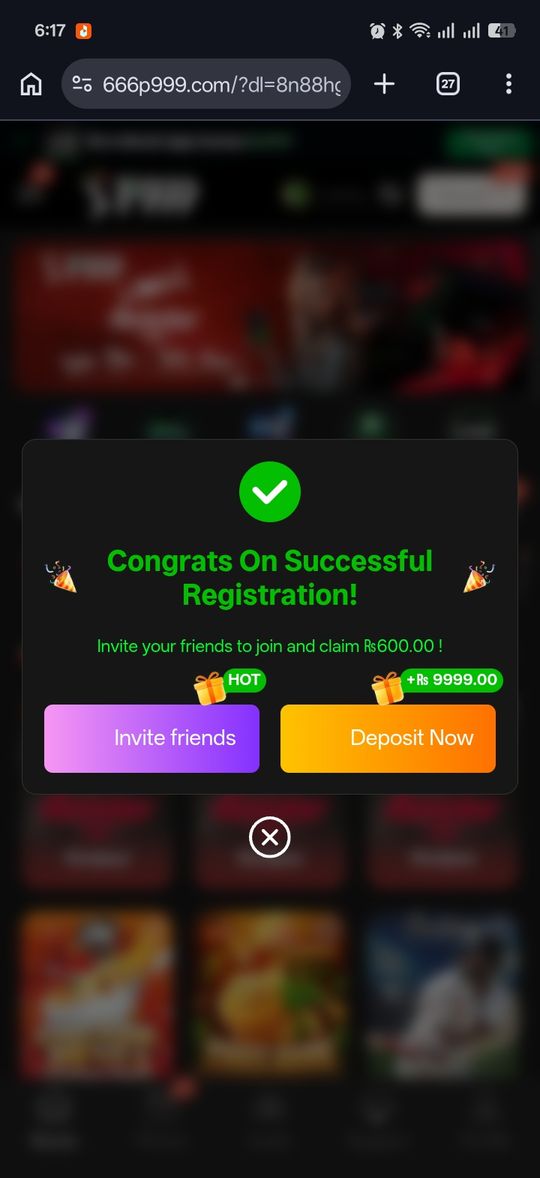
There is no single official P999 website. Several separately run portals use the name, each with its own login page, so your account only exists on the portal where you first signed up. Some of those sites use an email and password instead of OTP. Before typing your number, check the address bar shows the portal you actually registered on — our guide to which P999 site is real lists the checks.
- Log in on the same portal you registered on — accounts don't carry over between P999-named sites
- The primary portal only ever asks for your number and an SMS code, never a password
- Never type your OTP into a page reached from a message, ad or "support" chat
If the OTP Doesn't Arrive
A delayed OTP is almost always a network-side issue, not a problem with your account.
- Turn off any active VPN before requesting the code — VPNs are a common cause of blocked SMS delivery
- Check your signal strength and try switching networks briefly if it's weak
- Wait 1–2 minutes before requesting a resend rather than tapping repeatedly — repeated requests in a short window can trigger a temporary security pause
- Restart your phone if the code still hasn't arrived after a couple of minutes
Switching Phones or SIM Cards
Logging in from a new device or a new SIM triggers extra verification, which can feel like the app is stuck when it's actually just being more careful.
- Using the exact number you originally registered with keeps this quickest
- Give any extra verification step a few minutes before assuming something's wrong
- Switching devices or SIMs frequently tends to trigger this more often
Why There's No "Forgot Password" Option
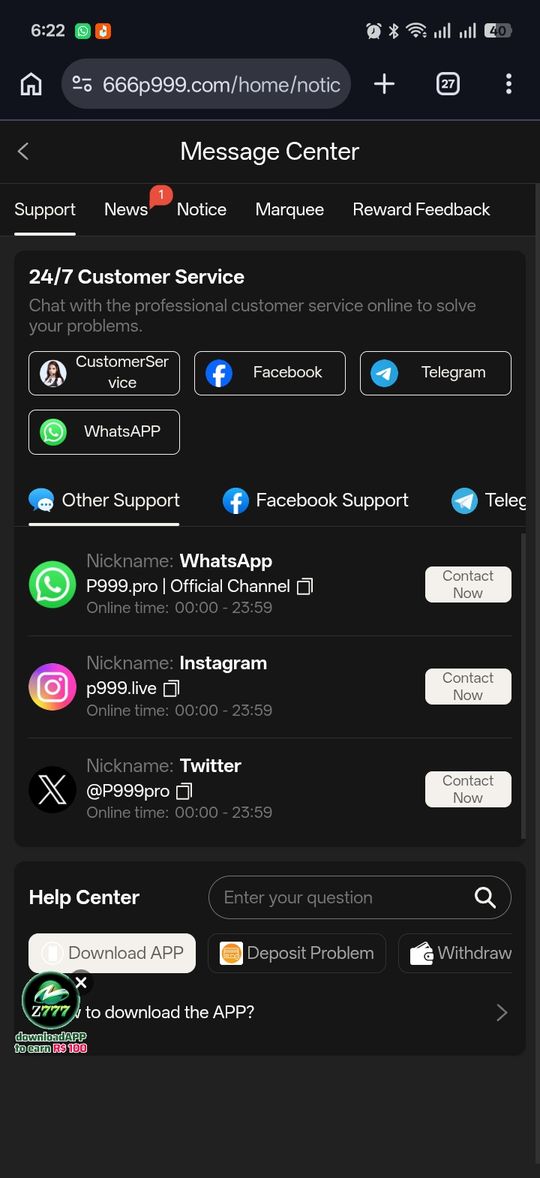
Because the primary portal never asks you to set a password in the first place, there's nothing to reset — your registered mobile number is effectively your account. If you still have access to that number, you already have everything you need to log in; there's no separate recovery step. The situation that actually needs help is losing access to the number itself — a changed SIM, a lost phone, or a deactivated line — which is a different problem than a forgotten password and doesn't have a self-serve fix inside the app. Some portals using the P999 name reportedly use a traditional email-and-password flow instead of OTP, so this section applies specifically to the mobile-number login method described here — check which flow the portal you're using actually shows you.
Protecting Your OTP
The OTP is a private security code, not a support credential.
- Never enter your OTP anywhere except the official app itself
- No legitimate support channel will ever ask you to read your OTP back to them
- If a website promises an "instant bonus" for entering your OTP on their page, treat that as a hard warning sign
Why OTP-Only Login Exists
SMS one-time codes are a common way apps confirm you actually control the phone number you're registering with, without asking you to invent and remember a separate password. The tradeoff is that your phone number effectively becomes a single point of access — whoever can receive SMS on that number can log in, which is exactly why guarding your SIM (and not sharing the code that arrives on it) matters as much as guarding a password would on a traditional account. It also means P999 can't send you a "reset your password" email the way many other apps do, since no email was ever collected in the first place.
Staying Logged In Between Sessions
Once you've completed the OTP flow, most apps in this category keep you signed in for a stretch without asking for another code every time you open them — until something resets that session.
- Clearing the app's data or cache, or reinstalling it, typically logs you out and requires a fresh OTP next time
- A long stretch of inactivity can also trigger a re-verification step, which is normal rather than a sign of a problem
- Logging in on a new device always asks for a fresh OTP, since that device hasn't been verified before
P999 Game Login 2026 at a glance
| Detail | What We Found |
|---|---|
| Login method | Mobile number + SMS OTP — no password on the primary portal |
| Number format | 03XXXXXXXXX |
| First login | Confirming the OTP creates the account automatically |
| Password reset | Not applicable — there's no password to reset; see account recovery for lost numbers |
| Session persistence | Stays logged in until app data is cleared, the app is reinstalled, or a new device is used |
Pros and cons
- Nothing to remember or lose — your number and an SMS code are the whole login
- Fast first-time signup with no separate registration form
- No password means no password-reuse risk from other sites
- OTP delivery depends on signal, an inactive SIM, or a blocking VPN
- No password fallback means losing access to your number is harder to resolve than a typical reset
- Some P999-named portals reportedly use email/password instead, so the flow isn't identical everywhere
Verdict
P999's OTP-only login is simple by design: your mobile number is your identity, and a fresh SMS code is your key every time. Most login friction traces back to network conditions rather than your account, and the one thing worth internalizing is that there's genuinely no password behind any of this — so guard your OTP the way you'd guard a password anywhere else, and treat losing your registered number as the actual thing to plan for.