
P999 Game download in 2026 comes down to one Android APK file, installed directly rather than through the Play Store. This guide walks the full P999 Game download and install: where the APK actually comes from, how to allow the one Android permission it needs, how to confirm you have the latest version, and what iPhone users do instead — since there is no P999 App Store listing.
Every figure here (file size, Android version, storage) is what to expect rather than a fixed spec, because more than one website distributes a P999 APK and none of them publish a checkable build number. When something on your screen doesn’t match what’s described here, treat that as a reason to slow down and check our P999 safety guide before entering anything.
Getting the P999 APK
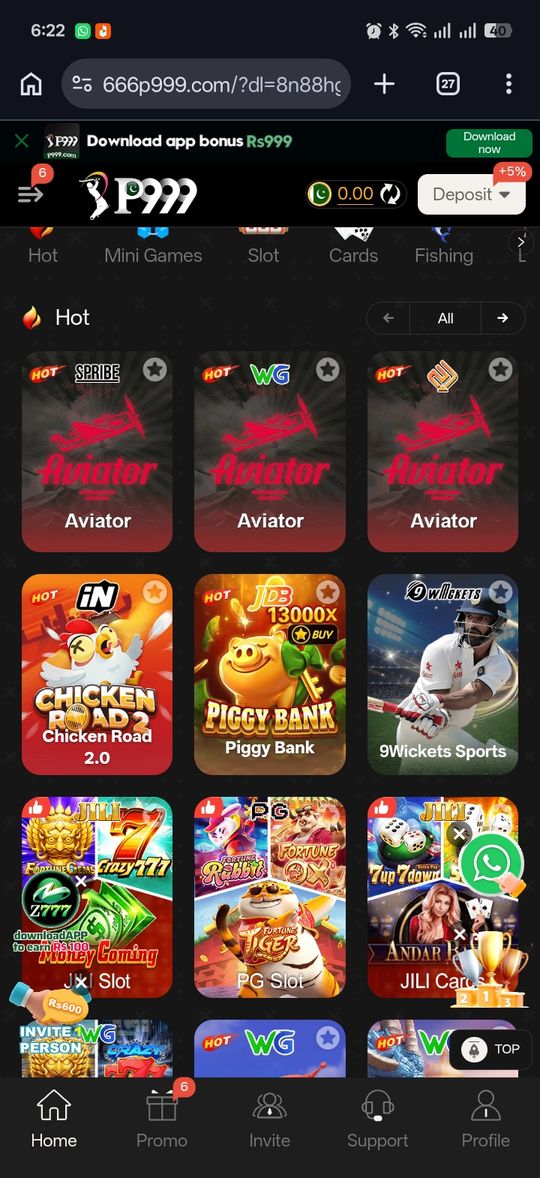
The P999 portals we reviewed hand out the Android app as a direct APK from their own registration or referral link, not through the Play Store. That keeps the install quick, but the file you get depends on which portal you started from. Google Play does list apps named "p999" (as of September 2026, one from "Shahzad Saleem Developer" with 50K+ installs and one from "Mohammed Saju Mia tech" with 5K+). We couldn't confirm that either is run by the portals, so treat them as unverified and don't enter a portal login or wallet details in them.
- Open your P999 registration or referral link on an Android device
- Tap the download button to save the APK file — the portal's APK doesn't come through the Play Store
- Once the download finishes, open the file from your notifications or Downloads folder to begin installing
- The listing itself doesn't track a fixed download count the way a Play Store app would, so treat any specific download number you see quoted as unverifiable
Installing on Android: Allow Unknown Sources
Android blocks installs from outside the Play Store by default, so you'll hit a permission prompt the first time — this is standard Android behavior for any APK, not something specific or unusual about P999.
- When prompted, enable "Install unknown apps" for the browser or file manager you downloaded through
- Confirm the install and wait for it to finish
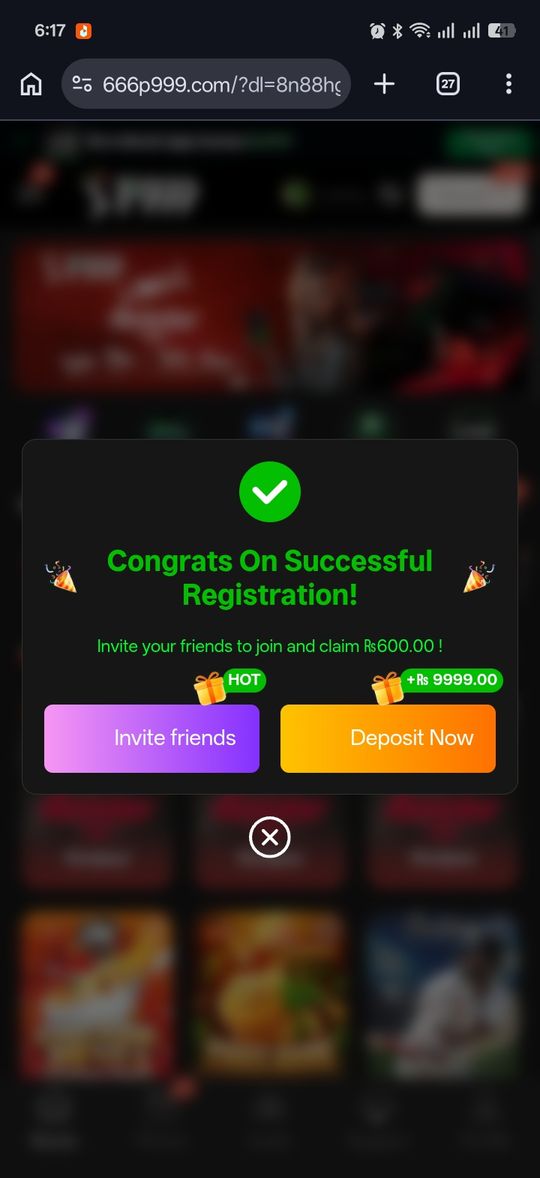
- Open the app and you'll land on the mobile-number login screen
- Turning this permission back off afterward isn't required, but you can if you'd rather not leave it enabled
Confirming You're on the Latest Version
P999 portals tend to label their download as simply "the latest version" rather than publishing a versioned build number you can cross-check externally. The most reliable current-version signal is inside the app itself, not a promotional page.
- Check the app's own Settings or About screen for its current version, if it shows one
- If the app prompts you to update, that prompt is a more trustworthy signal than a download page's "latest version" label
- Re-downloading from the same portal you originally registered through avoids mixing files from different portals
P999 APK File Details
A few practical questions come up before people download anything: how big is the file, does it need a specific Android version, and what will it ask permission for. None of these are standardized across P999 portals, so treat the ranges below as what to expect rather than an exact spec.
- File size: typically in the 15–40MB range for this category of app — small enough to install over mobile data
- Android version: most current builds target Android 7.0 (Nougat) or newer; very old devices may not be supported
- Permissions: expect prompts for storage (to save the install file) and, on some portals, phone-state access used for the OTP login step — decline anything that asks for permissions unrelated to installing or logging in
- Storage space: keep at least 100–150MB free before installing to cover the download plus the unpacked app
No iOS App — How iPhone Users Access P999
There's no P999 listing in the Apple App Store. iOS access runs through the mobile browser instead — the "Play Now" path on this site opens the same portal directly in Safari or Chrome rather than installing anything.
- Tap Play Now instead of Download on an iPhone — this site detects iOS and shows the right option automatically
- You'll land on the same mobile-number-plus-OTP login screen as the Android app
- No installation step means no "unknown sources" permission to manage on iOS
If the Download or Install Doesn't Go Through
Most install failures come down to a small, fixable list of causes rather than anything account-related.
- Download stalls or fails: switch from mobile data to Wi-Fi (or the reverse) and retry
- "App not installed" error: check you have enough free storage, and that you don't have an older, differently-signed version of the app already installed under the same name
- Install button does nothing: confirm the unknown-sources permission was actually granted for the app you used to open the file, not just the browser
P999 Game Download 2026 at a glance
| Detail | What We Found |
|---|---|
| Distribution | Direct APK via the portal's registration/referral link; "p999" apps on Google Play are from unverified developers |
| Android permission | "Install unknown apps" must be enabled for the browser or file manager used |
| iOS | No App Store app — mobile-browser access via the portal's own site |
| Version labeling | Portals label downloads "latest version" rather than a checkable build number |
| File size | Roughly 15–40MB — not consistently confirmed across portals, treat as approximate |
| Minimum Android version | Android 7.0 (Nougat) or newer on most current builds |
| Free storage needed | About 100–150MB recommended for download plus install |
Pros and cons
- No Play Store dependency — quick, direct install for Android
- iOS users can access the same lobby through the browser with nothing to install
- Update prompts inside the app are a more reliable version signal than the download page
- Installing outside the Play Store means Android's usual app-vetting step is skipped
- No independently verifiable download count or confirmed file size
- Because multiple portals distribute their own APK, "the P999 app" isn't a single verifiable file
Verdict
Getting P999 running comes down to three things: download the APK from the specific portal you intend to use, allow Android's unknown-sources permission for that one install, and treat the app's own update prompt — not a download page's "latest version" label — as the real signal you're current. iPhone users skip all of this and go straight to browser access. None of this requires guessing; if something doesn't match what's described here, that's worth double-checking before you continue.