
“P999 login not working” is almost never an account problem — it’s one of five login-mechanics failures: the OTP doesn’t arrive, the number field is rejected, the code is marked invalid, nothing happens after you confirm, or the screen won’t load. Match your exact symptom to the table below and most fixes take under two minutes.
Last updated 6 September 2026. This guide sorts every P999 login failure by symptom, with a fix for each and a table you can scan. If the OTP text specifically never arrives, the P999 OTP not received guide goes deeper; if the whole app is stuck rather than just login, see P999 app not working; and for the normal sign-in steps, the P999 login guide.
Start Here: What Exactly Is Failing?
The fix depends entirely on which step is breaking.
- OTP never arrives → see our dedicated OTP not received guide
- App won't get past the loading screen → see our app not working guide
- "Invalid number" or similar error when entering your number → check the format below
- OTP arrives but is rejected as wrong → re-enter carefully rather than pasting; codes expire quickly
- Everything seems to work but nothing happens after confirming → likely a temporary security pause, see below
How P999 Login Is Supposed to Work
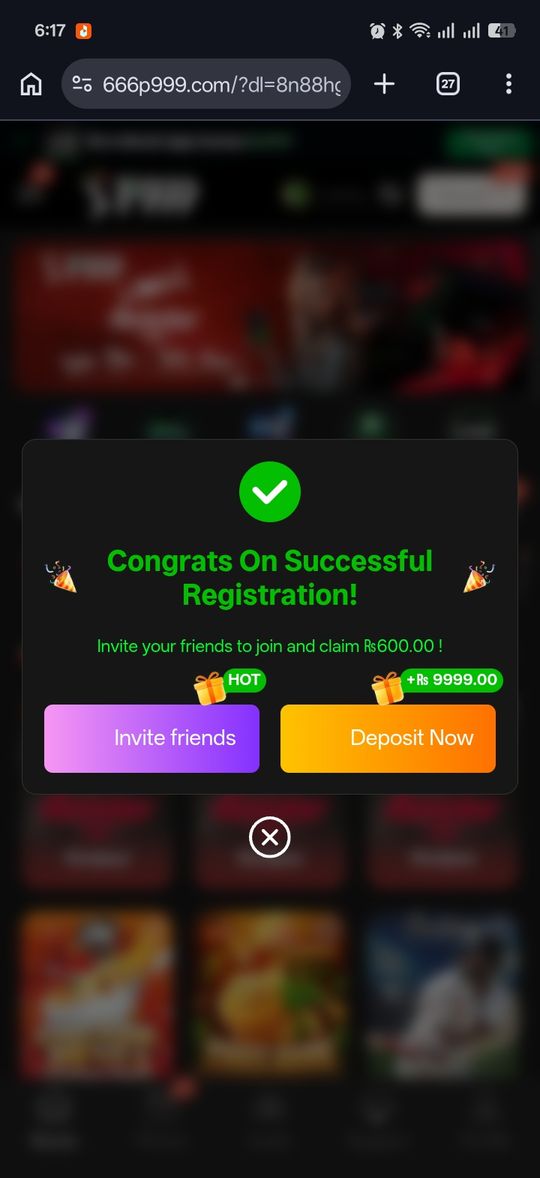
On the main portal there is no password — you enter your Pakistani mobile number, receive a one-time SMS code, and enter it. The first time, confirming the code also creates the account. That means every login failure is really a failure at one of three points: the number, the code, or the device check. The P999 login guide walks the normal flow, and the P999 registration guide covers first-time signup.
Number Format Errors
The correct format is 03XXXXXXXXX — 11 digits, starting with a zero, no country code. Adding +92, dropping the leading zero, or leaving spaces in the field are the most common mistakes that trigger a rejected-number error. On a dual-SIM phone, also make sure you're entering the number of the SIM that's actually in the phone and active.
OTP Rejected as Incorrect
OTP codes are time-limited. If you waited a while before entering it, or copy-pasted an old code from a previous request, re-request a fresh one and enter it as soon as it arrives rather than typing from memory.
Temporary Security Pause
Several OTP requests or login attempts in a short window can trigger a short cool-down period rather than an outright block. If login stopped responding after multiple quick attempts, stop for 5–10 minutes and try once, deliberately, rather than retrying immediately.
New Device, New Phone, or SIM Swap
Logging in from a device or SIM P999 hasn't seen before can add an extra verification step that takes a few minutes and can feel like the login is stuck when it isn't — keep the app open and your signal steady while it completes. This is different from a permanently changed number: if the SIM tied to your account is gone and the OTP is going to a number you no longer control, no login fix will help and you need the P999 account recovery steps. If the code is simply slow to a working number, the P999 OTP not received checklist goes deeper.
Browser or App Version Mismatches
If you're using browser access on iOS or Android, an outdated browser can occasionally fail to render the login screen correctly or submit the form properly. Updating to the latest browser version before troubleshooting anything else on the login side is a quick check worth doing first.
A Systematic Way to Work Through It
Rather than trying fixes at random, work through this order — it moves from fastest checks to more involved ones.
- Confirm the number format is exactly correct
- Turn off any VPN and check your signal
- Request a fresh OTP and enter it immediately rather than after a delay
- If several attempts have failed in a row, stop for 5–10 minutes before trying again
- Update your app or browser to the latest version
- Restart your phone if none of the above has worked
Distinguishing a Login Problem From an Account Problem
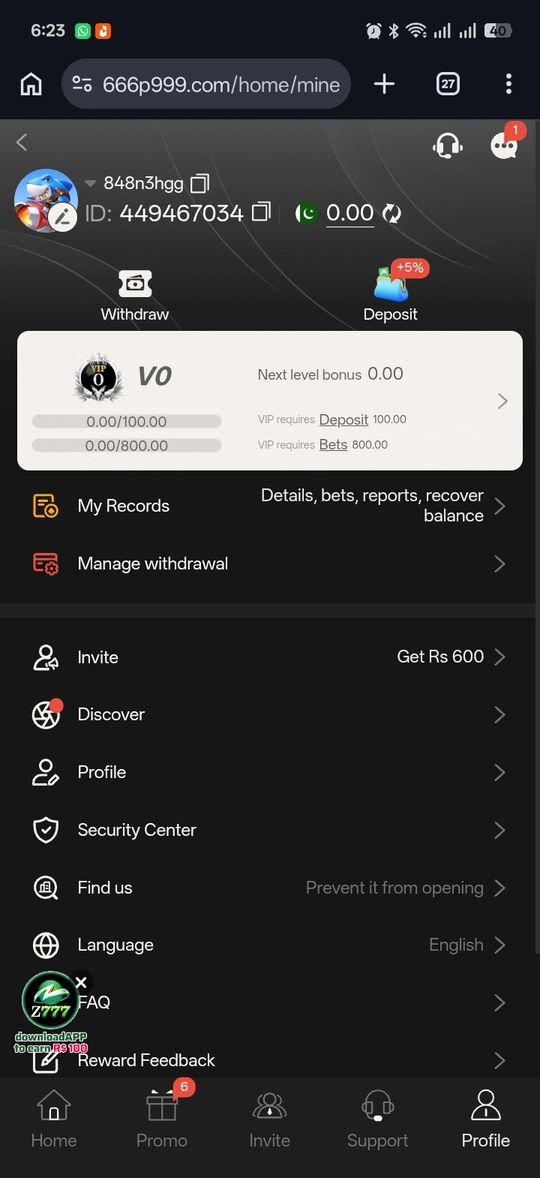
Nearly everything covered on this page is a login-mechanics issue — something about the number, the OTP, or the device — rather than anything wrong with the account itself. A genuine account-level issue is comparatively rare and usually only comes up in specific scenarios: a permanently lost registered number (see our account recovery guide) or a portal-side restriction you'd need to raise with that portal's support directly. If you've worked through every step above carefully and nothing changes, that's the point to consider it might be one of those rarer cases rather than continuing to retry the same login mechanics.
When to Actually Contact Support
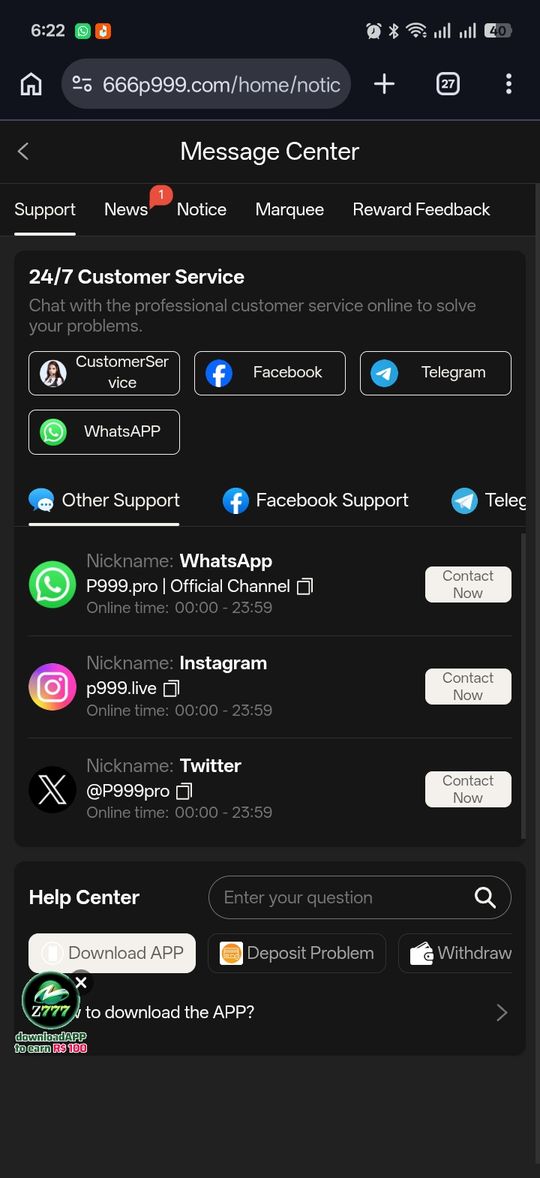
Reach out to the specific portal's support if you've confirmed the number format is correct, ruled out a VPN or signal issue, waited out any security pause, and updated your app or browser — and it's still failing. Have your registered number and a description of exactly what happens (an error message, or nothing at all) ready, since that's more useful to a support agent than "login isn't working."
P999 Login Not Working at a glance
| What you're seeing | Likely cause | Fix |
|---|---|---|
| "Invalid number" when you type your mobile | Wrong number format | Enter 03XXXXXXXXX — no +92, no spaces, keep the leading 0 |
| No OTP arrives at all | VPN, weak signal, or wrong number | Work the OTP-not-received checklist |
| OTP entered but marked invalid or expired | Code timed out, or an old code was pasted | Request a fresh code and type it in immediately |
| Nothing happens after you confirm the code | Temporary security pause from rapid retries | Stop for 5–10 minutes, then try once |
| Login screen won't load or the button does nothing | Outdated app or browser | Update the app or browser, then reload the screen |
| Stuck on a check after a new phone or SIM | First-time device verification | Keep the app open and signal steady for a few minutes |
| Worked yesterday, fails today with no error | New VPN, SIM, or weaker signal | Turn off any VPN, check your signal, then retry |
Pros and cons
- Nearly every login failure traces back to a small, known list of causes
- Most resolve within minutes without contacting support
- The generic "not working" symptom covers several different root causes, so some trial and error is often needed
- No in-app error detail distinguishes a security pause from a genuine failure
Verdict
"Login not working" is rarely one single problem — it's shorthand for a handful of distinct, fixable issues. Identify which step is actually failing using the table above, and you'll usually land on a fix in a couple of minutes rather than needing support. The one case troubleshooting can't fix is a permanently lost registered number, which is account recovery instead.