
P999 account recovery isn’t a password reset — on the primary portal there is no password to reset. In 2026, “I can’t get into my P999 account” almost always means one specific thing: you no longer have access to the mobile number the account is tied to, because of a changed SIM, a lost phone, or a deactivated line.
This guide covers what genuinely counts as a recovery situation, what to check first (often the account is fine and it’s just an OTP delivery problem), what to have ready before contacting a portal’s support, and how to avoid the situation going forward by registering with a number you expect to keep.
Why This Isn't a Password Reset
Your account is identified entirely by your mobile number plus a fresh OTP each time — there's no password stored anywhere to forget or reset. If you still have your registered number, you already have everything needed to log in with no separate recovery step.
When You Genuinely Need Recovery
This applies specifically if you've lost access to the number itself.
- Your SIM was lost, stolen, or deactivated
- You switched carriers and the number is no longer active
- You can no longer receive SMS on that number for any reason
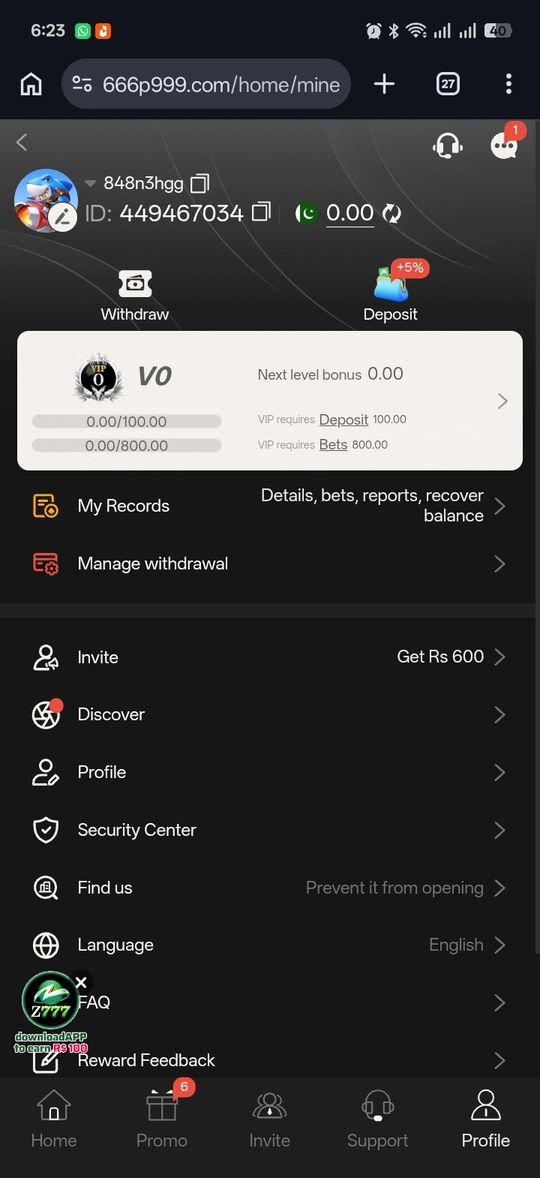
What to Check First
Before assuming you need account recovery, rule out a simpler explanation.
- Confirm your SIM can receive SMS from other senders — if it can, this is an OTP delivery issue, not an access issue; see our OTP troubleshooting guide
- If you recently swapped SIMs but kept the same number, extra device-verification can look like being locked out — give it a few minutes before assuming otherwise
If You've Genuinely Lost the Number
Because the number is the account identifier, recovering access to a balance tied to a number you no longer control isn't a self-serve process the way a password reset would be. This is the situation to raise directly with the specific portal's own support channel — not something a third-party guide site can resolve. Keep your transaction history and any registration confirmation you have, since that's what you'd reference.
Some Mirror Portals Use Passwords Instead
A subset of sites using the P999 name reportedly use a traditional email-and-password login rather than OTP. If that's the portal you're on, a conventional password reset may be available there — check that portal's own login screen for a "forgot password" option, since this guide covers the OTP-based flow specifically.
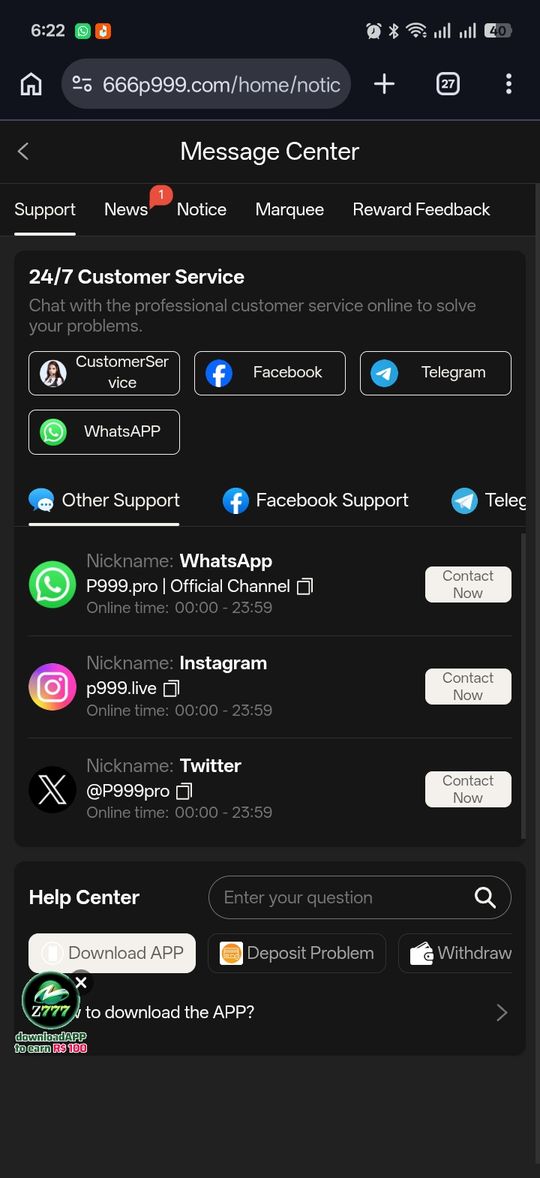
What to Have Ready Before Contacting Support
If you do reach the point of needing to contact a portal's support about a lost number, having the right information ready speeds things up considerably compared to a bare "I can't log in" message.
- Your previously registered mobile number, even though you can no longer access it
- Approximate dates of your last successful login and any recent deposits or withdrawals
- Screenshots of transaction confirmations, if you have any saved from a browser or a linked wallet app's own history
- Any registration or welcome message you may have saved, since some portals send one via SMS or in-app notification at signup
Preventing This Situation Going Forward
A little planning avoids the whole scenario. Keep your registered number active on a plan you control, avoid letting a prepaid SIM lapse for an extended stretch, and if you ever do need to switch numbers deliberately, do it while you still have access to the old one — some portals may offer a number-change option from inside an active, logged-in session, even if there's no path to do it after the fact.
Pros and cons
- No password to forget in the first place removes an entire category of lockout
- Straightforward when you still have your number — nothing extra to do
- Losing the registered number is harder to recover from than a typical password reset
- No universal self-serve recovery flow exists for a lost number across every portal
Verdict
Most "forgot password" searches for P999 are actually one of two simpler things — a delayed OTP, or extra verification after a SIM change — both of which resolve without any special recovery step. Genuinely losing access to your registered number is the one real recovery scenario, and it goes through the specific portal's own support rather than a self-serve reset, since there was never a password behind the account to begin with.