
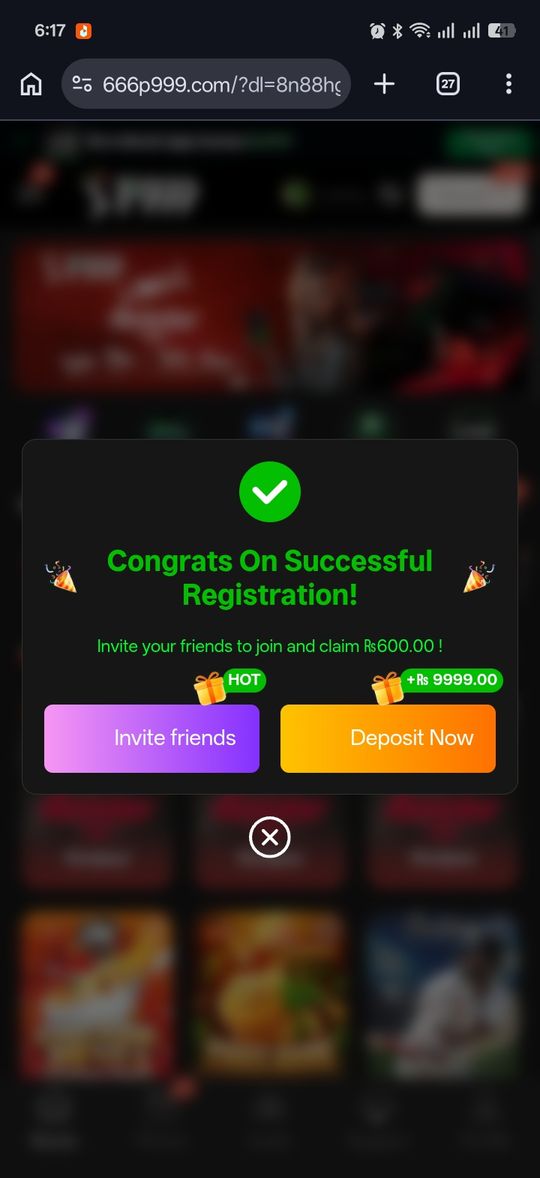
P999 registration in 2026 has no separate sign-up form — on the primary portal, registering and logging in are the same action. You enter your Pakistani mobile number, confirm the SMS OTP, and that one step creates your account. This guide covers exactly what happens the first time, what you’ll need ready, where a referral or invite code fits in, and what to do if registration doesn’t complete.
Because your number is your account, the main decision is which number to register with — and it should be one you expect to keep. If you have an invite code, enter it during this first login; see the P999 invite code guide for how referral rewards are attributed.
Registration Is Your First Login
Confirming your first OTP both verifies your number and creates your account in the same step — there's no separate "Sign Up" screen with a name, email, or password field to fill in on the primary portal.
- Open the app (or the browser portal on iOS) and enter your mobile number in the format 03XXXXXXXXX
- Enter the OTP sent by SMS
- Your account exists as soon as that OTP is confirmed — no further setup step
What You'll Need
An active Pakistani SIM you can receive SMS on is the only real requirement — the number itself becomes your account identifier, so it's worth using one you intend to keep.
Referral Codes During Registration
Some portals show an optional referral or invite code field during first login. Entering a valid one at this stage is typically how the referral bonus gets credited to whoever invited you — check our invite code guide for the mechanics.
If Registration Doesn't Complete
Most stalls here trace back to the OTP step rather than anything else.
- OTP not arriving — see our OTP troubleshooting guide
- Number format rejected — double check you used 03XXXXXXXXX with no +92 or missing digits
- "Number already registered" — that number already has an account; log in with it instead of trying to register again
Choosing Which Number to Register With
Since your number becomes your permanent account identifier with no email fallback, it's worth a moment's thought before your first login rather than grabbing whichever SIM is closest to hand.
- Prefer a number on a plan you control directly, rather than a shared family line, so SMS delivery isn't dependent on someone else's phone
- Avoid a prepaid number you might let lapse — an inactive SIM can't receive the OTPs you'll need for every future login
- If you already have other accounts (banking apps, other gaming platforms) tied to a specific number, using the same one keeps your financial digital footprint simpler to track, though it isn't required
After Your First Login
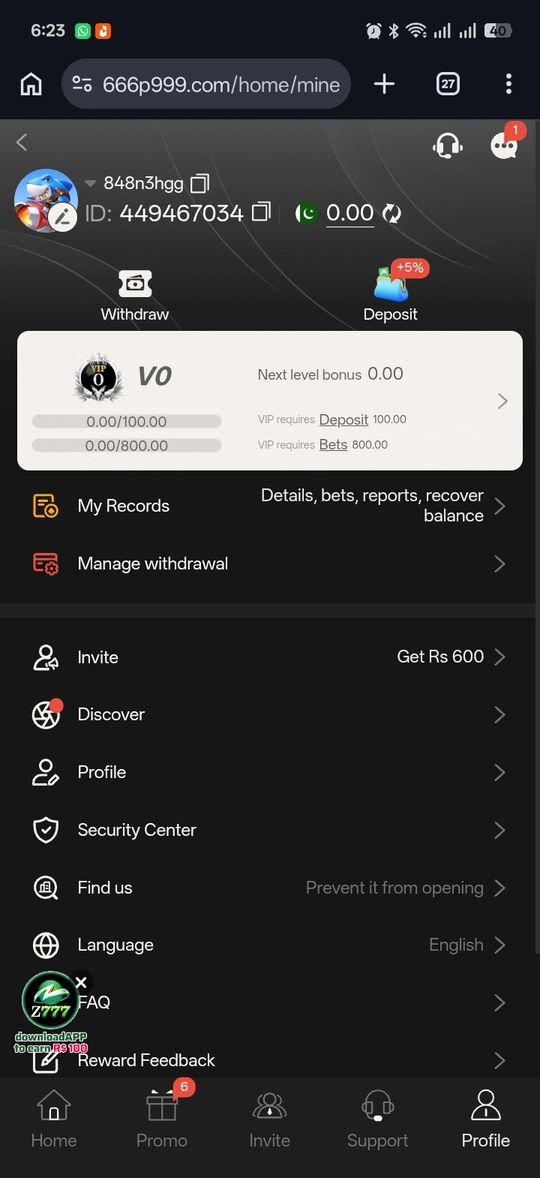
Once your account exists, there's typically a profile section where some portals let you add optional details — this varies by portal and isn't required to start playing. Check whether completing a profile step unlocks anything (some portals tie withdrawal eligibility to a completed profile, as covered in our withdrawal guide) rather than assuming it's purely cosmetic.
Age Verification
P999 is intended strictly for players aged 18 and above. Registration itself typically doesn't require uploading an ID document, which means the age requirement functions more as a stated policy than a technically enforced barrier at signup — all the more reason this platform isn't appropriate for anyone underage, regardless of whether the registration flow itself asks for proof.
What Happens If You Never Complete Registration
If you start the OTP flow but never confirm the code — letting it expire, or closing the app before entering it — no account is created. There's no partial or abandoned account left behind to clean up; you simply start fresh with a new OTP request the next time you try.
Pros and cons
- One step covers both signup and login — no separate form
- No email, password, or personal details beyond your phone number
- Fast enough to complete in under a minute with a working SIM
- No verification documents required to create the account itself
- Your number is your permanent account identifier, so losing access to it is harder to work around than a typical password reset
- No separate account-recovery email on file, since none is collected
Verdict
Registering for P999 is just your first successful OTP login — there's nothing else to fill out on the primary portal. The one thing worth doing deliberately is using a number you'll keep, since it's both your username and your only way in.