
P999 support is handled inside each portal’s own app — there is no single official P999 helpline number. Phone numbers, WhatsApp and Telegram contacts posted on other sites are unverified, and some are scammers who will ask for your OTP or PIN. To get help, use the Customer Service or Support section of the app you registered on.
Last updated 27 September 2026. This guide covers where real P999 customer support lives, why there’s no public helpline number, what to send them for a faster reply, and how to spot someone impersonating support. Many common issues are faster to fix yourself — see OTP not received, login not working, and withdrawal problems.
Where Real P999 Support Lives
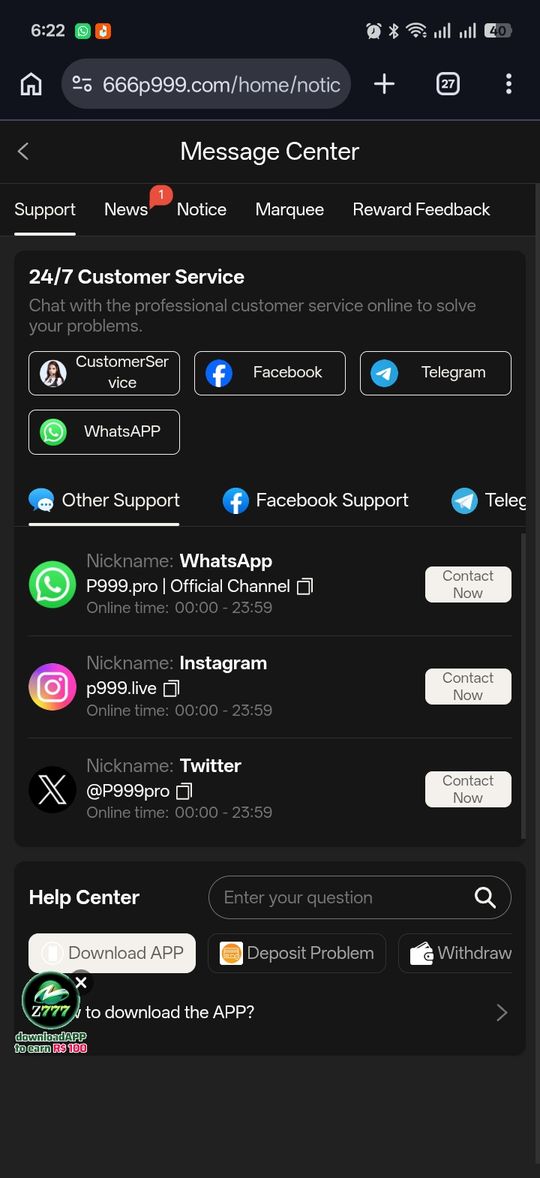
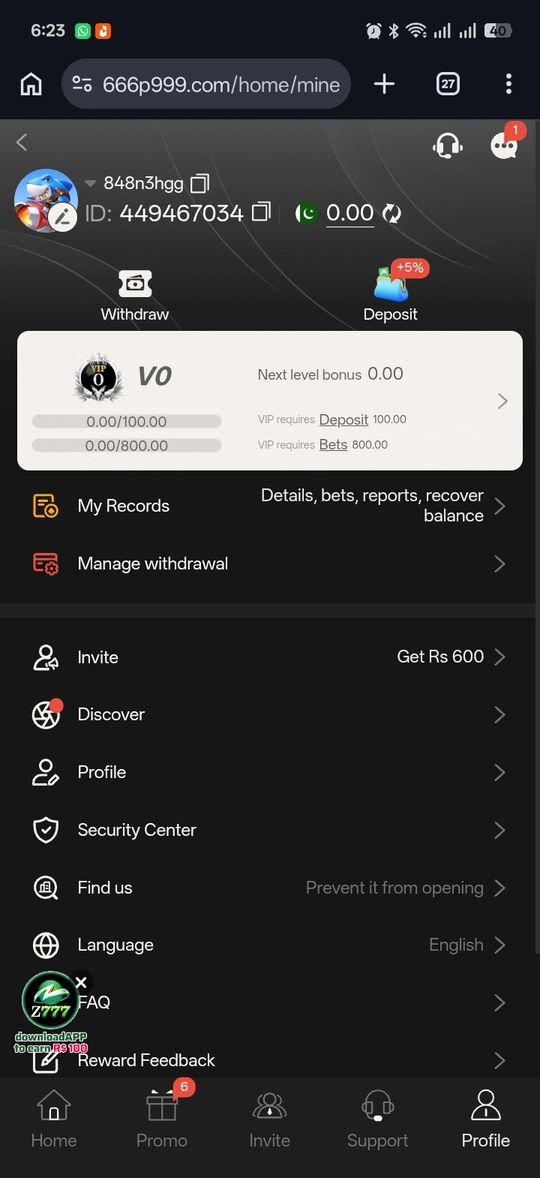
Every P999 portal we've looked at handles support from inside its own app — usually a "Customer Service", "Support", "Help", or "Contact Us" entry in the account or side menu, opening a live chat or a ticket form. That in-app channel is the only one tied to your actual account. Because several separate sites use the P999 name, support on one portal has nothing to do with any other — always use the app you registered and deposited on.
There Is No Universal P999 Helpline Number
Search results and social posts for "P999 helpline number" or "P999 customer care number" turn up phone numbers, WhatsApp contacts and Telegram handles — and there is no way to verify who is on the other end. Some are affiliates; some are outright scammers who will ask for your OTP, password or wallet PIN and drain the account. No P999 portal we've seen publishes an official public phone line. Treat any number you didn't find inside the official app itself as unverified, and never give it account details.
What to Send Support
A specific message gets a faster, more useful reply than "my account is not working".
- Your registered mobile number (never your OTP or PIN)
- The transaction reference or ID from your records screen, if it's a deposit or withdrawal issue
- A screenshot of the error or the current status
- The exact time the problem happened and what you'd already tried
Typical Response Times
Portals that run live chat often reply within minutes during their active hours; ticket or email-style contact can take a day or more. None of this is consistently published, and response speed varies by portal and by how busy they are. If a live chat goes quiet mid-conversation, keep the chat reference and follow up rather than opening a fresh ticket, which usually goes to the back of the queue.
Issues You Can Usually Fix Without Support
Most of what people contact support about has a self-serve fix that's faster than waiting for a reply.
- OTP not arriving — work the P999 OTP not received checklist
- Can't log in — the P999 login not working guide sorts it by symptom
- Withdrawal pending — check the window and turnover first; see P999 withdrawal problems
- Lost your registered number — that's P999 account recovery, and support will need to be involved
What Support Can and Can't Do
Setting expectations before you contact them saves frustration. Support can generally trace a specific transaction, lift a temporary security pause, check why a withdrawal is held, and escalate a genuinely overdue payout. What they typically can't do: reverse money you've lost playing, waive a bet-turnover requirement, restore an account when you can't prove you held the old registered number, or give a binding answer on licensing or legality. If a request falls in the second group, no amount of following up will change the outcome — the P999 safety guide covers the bigger-picture limits of an unregulated platform.
If Someone Contacts You Claiming to Be P999 Support
Real support does not message you first asking for credentials. Anyone who calls, WhatsApps or DMs you claiming to be P999 support and asks for your OTP, password, wallet PIN, or a "verification fee" is running a scam — end the contact. The same rule from the P999 safety guide applies: those details only ever go into the official app you installed yourself, never to a person and never on a web page.
P999 Customer Support at a glance
| Your issue | Try this yourself first | Or contact support with… |
|---|---|---|
| OTP not arriving | VPN off, check signal, confirm 03XXXXXXXXX | Registered number, time of last request |
| Can't log in | Number format, fresh OTP, wait out any security pause | Registered number, the exact error text |
| Withdrawal pending | Check the stated window and turnover progress | Transaction reference, amount, submit time |
| Deposit not showing | Refresh records; check your wallet app's confirmation | Wallet transaction ID, amount, time |
| Account locked or number lost | Nothing — this one needs support | Registered number, proof of the old number if asked |
Pros and cons
- In-app support is tied to your real account, so there's no identity guesswork
- Most common issues have a documented self-serve fix that's faster than waiting
- No published phone line, and response times aren't disclosed
- "P999 helpline" search results are a active scam vector
- Support quality and speed vary by portal with no way to compare in advance
Verdict
P999 support means the in-app help channel of the portal you actually use — there is no official phone line, WhatsApp, or Telegram, and the numbers that show up when you search for one are unverified at best and scams at worst. Fix what you can yourself with the troubleshooting guides, contact in-app support with specific details when you can't, and never give your OTP, password, or wallet PIN to anyone claiming to be support.