
A P999 withdrawal stuck on “pending” is almost always still in the queue, not a lost payout. Open My Records for the real status, check that your linked EasyPaisa or JazzCash name and number match your account, and confirm any bet-turnover requirement is cleared. Most pending withdrawals settle inside the portal’s stated window of a few minutes to 1–3 working days.
Last updated 6 September 2026. This guide covers why a P999 withdrawal shows as pending, the turnover and linked-account checks that block a payout, a status-by-status table of what to do, and the point at which a delay is worth raising with support. For the normal cash-out steps, see the P999 withdrawal guide; for wallet-specific detail, the P999 EasyPaisa & JazzCash guide.
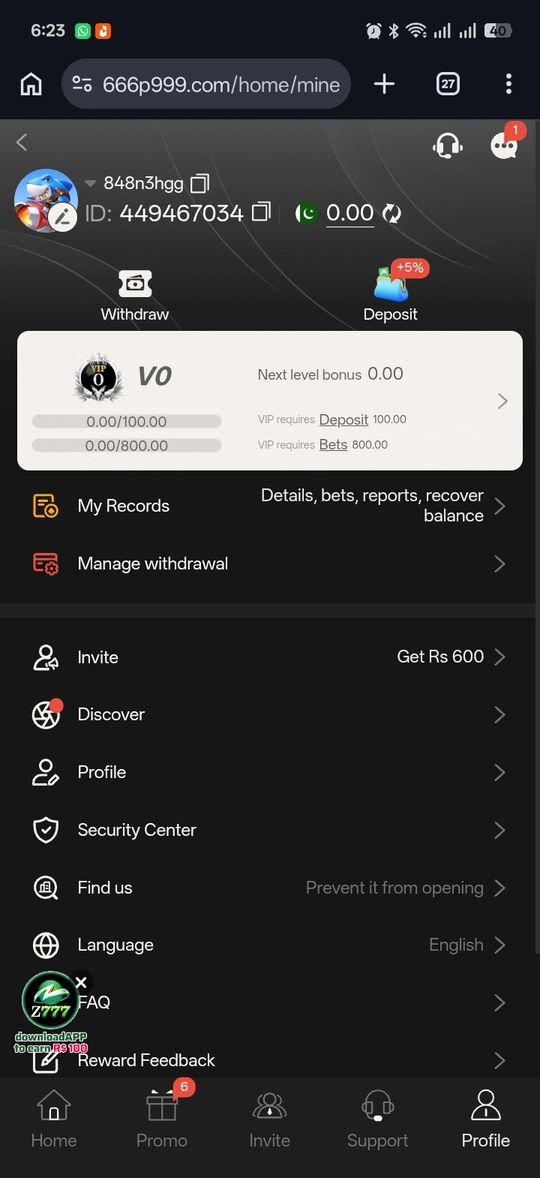
Check My Records First
Every portal we reviewed has a transaction history screen under your account — this shows the real status of your withdrawal, rather than guessing from the wallet app alone.
Why Withdrawals Show as Pending
Several ordinary reasons, roughly in order of likelihood.
- It's genuinely still processing — claimed timeframes range from minutes to 1–3 working days depending on the portal
- A minimum bet turnover requirement hasn't been fully met
- The receiving EasyPaisa/JazzCash account doesn't match your registered details
- A manual review step some portals apply above a certain amount
- The request was submitted outside working hours, so fewer processing days have passed than you'd expect
Bet Turnover and Wagering Requirements
The most common reason a withdrawal is blocked rather than just slow is an unmet turnover requirement — a multiple of your deposit (or bonus) that you have to stake before the balance can be cashed out. If you claimed a signup or deposit bonus, that requirement is usually higher. Check your account's turnover progress before submitting, and see the P999 bonuses guide for how wagering multiples typically work and the P999 withdrawal guide for the full requirement list.
Check Your Linked EasyPaisa or JazzCash Account
A withdrawal that fails or reverses after showing as pending is very often a mismatch between the destination wallet and your P999 profile. The account holder name and mobile number on your EasyPaisa or JazzCash account should match the details on your P999 account. Withdrawing to someone else's wallet, or to a number you've since changed, is a common cause of a rejected payout — the P999 EasyPaisa and JazzCash guide covers matching the details correctly.
When to Actually Contact Support
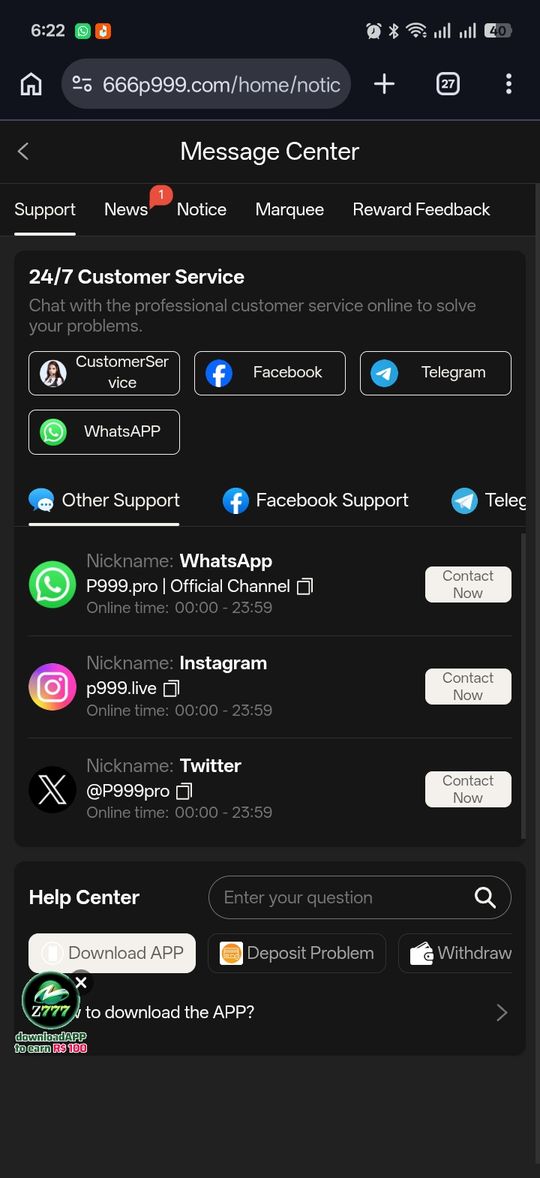
If a withdrawal has been pending well beyond the portal's own stated processing window — not just your own expectation of how fast it should be — that's the point to reach out to the specific portal's support, with your transaction reference from My Records ready.
What Isn't a Withdrawal Problem
A rejected withdrawal request before it's even submitted is usually a requirement issue (turnover, profile completion), not a processing delay — see our main withdrawal guide for those requirements.
Manual Review Thresholds
Some portals apply an additional manual review step to withdrawals above a certain amount, which can extend processing time beyond the usual window without indicating anything is actually wrong. This threshold and the additional time it adds aren't consistently disclosed across the portals we reviewed, so a larger withdrawal taking noticeably longer than a smaller one you've made previously isn't automatically cause for concern on its own.
What a Genuine Problem Looks Like
Distinguishing normal processing from an actual issue comes down to a few signals.
- Normal: still within the portal's stated processing window, whatever that currently is for your account
- Normal: a larger-than-usual withdrawal taking longer, possibly due to manual review
- Worth investigating: the withdrawal disappeared from My Records entirely rather than showing as pending
- Worth investigating: well past the stated window with no status change and no manual-review indication
Documenting the Issue Before Contacting Support
If you've genuinely passed the point where this looks like normal processing, gathering a few details before reaching out saves back-and-forth: the exact amount, the destination account, the date and time you submitted the withdrawal, and a screenshot of the current status from My Records. Specific details get a faster response than a general "my withdrawal isn't working."
Weekend and Holiday Processing
Portals that quote processing times in "working days" typically mean their internal review or banking-partner processes run on standard business days, which means a withdrawal submitted on a Friday evening or ahead of a public holiday can appear slower simply because fewer processing days have passed, not because anything has gone wrong. Factor this into your expectations before assuming a delay when the calendar itself explains it.
Staying Calm About a Single Delayed Withdrawal
A single slower-than-usual withdrawal, on its own, is common enough across real-money platforms generally that it isn't strong evidence of a systemic problem — check the specific signals above (My Records status, amount vs. usual manual-review threshold, elapsed time vs. stated window) rather than escalating straight to the most alarming interpretation. A genuine pattern of unresolved delays, on the other hand, is worth taking seriously and raising directly with the portal.
Make Sure You're on the Portal You Think You Are
Because several different websites use the P999 name, one quiet cause of a payout that never arrives is having deposited on one portal and chasing the withdrawal on another, or having used a portal that isn't the one you meant to. Before escalating a delay, confirm the site or app you're logged into is the same one you deposited through, with the same registered number. The P999 safety guide explains how to tell the portals apart — it's a more relevant risk than an isolated slow withdrawal.
P999 Withdrawal Problems & Pending Payouts at a glance
| Status in My Records | What it usually means | What to do |
|---|---|---|
| Pending, within the stated window | In the processing queue or a batch run | Wait — check My Records for the timeframe |
| Pending, past the stated window | Possible manual review, or a genuine delay | Contact support with your transaction reference |
| Processing or In review | Held for a manual check, often on larger amounts | Wait; have ID and account details ready if asked |
| Failed or Returned | Linked-account mismatch or unmet bet turnover | Fix the linked wallet or meet turnover, then resubmit |
| Rejected before submission | A turnover or profile requirement isn't met | Complete the requirement, then submit again |
| Not showing at all | Request didn't register, or a stale app cache | Refresh; if still missing, contact support — don't resubmit |
Pros and cons
- Most pending withdrawals resolve inside the portal's own stated window without any action needed
- An in-app transaction history exists to check real status rather than guessing
- No standardized processing-time guarantee across portals
- Manual review thresholds, when they exist, aren't always disclosed upfront
Verdict
A pending withdrawal is usually just still inside the portal's normal window — check My Records for the real status, confirm your linked wallet details and turnover are clear, and reach out to support only once you're genuinely past the stated processing time. If the request disappeared entirely rather than showing a status, contact support instead of resubmitting.